
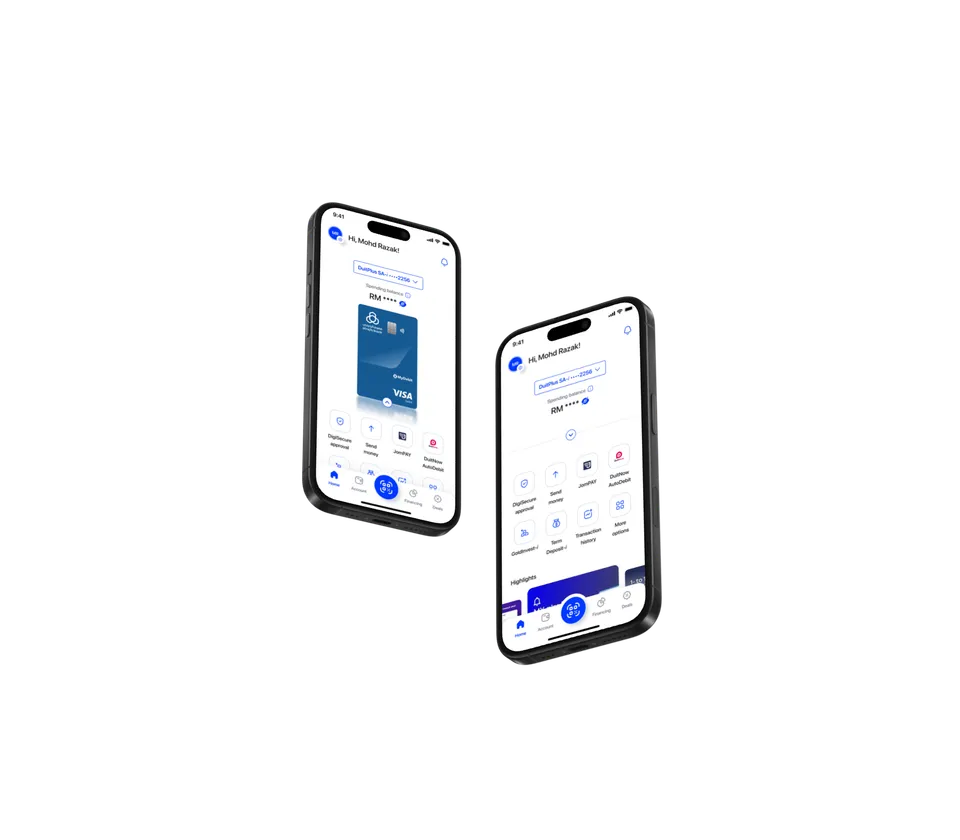
Why use MY alrajhi?

Open an account in minutes
Skip the branch visit. Open your DuitPlus Savings Account-𝘪 in minutes, right from your phone.

Bank with confidence
DigiSecure safeguards every tap, transfer and transaction—without slowing you down.

Stay in control of your spending
Get real-time alerts for every transaction, so
you're never caught off guard.

Switch currencies seamlessly
Move money between your MYR and Foreign Currency accounts seamlessly—no extra steps, no surprises.

Simplify your bill payments
Automate your bills via JomPAY. Schedule recurring payments and let the app handle the rest.
Personalize your profile
Choose from a fresh lineup of avatars to personalize your profile. Because your banking app should feel like it belongs to you.

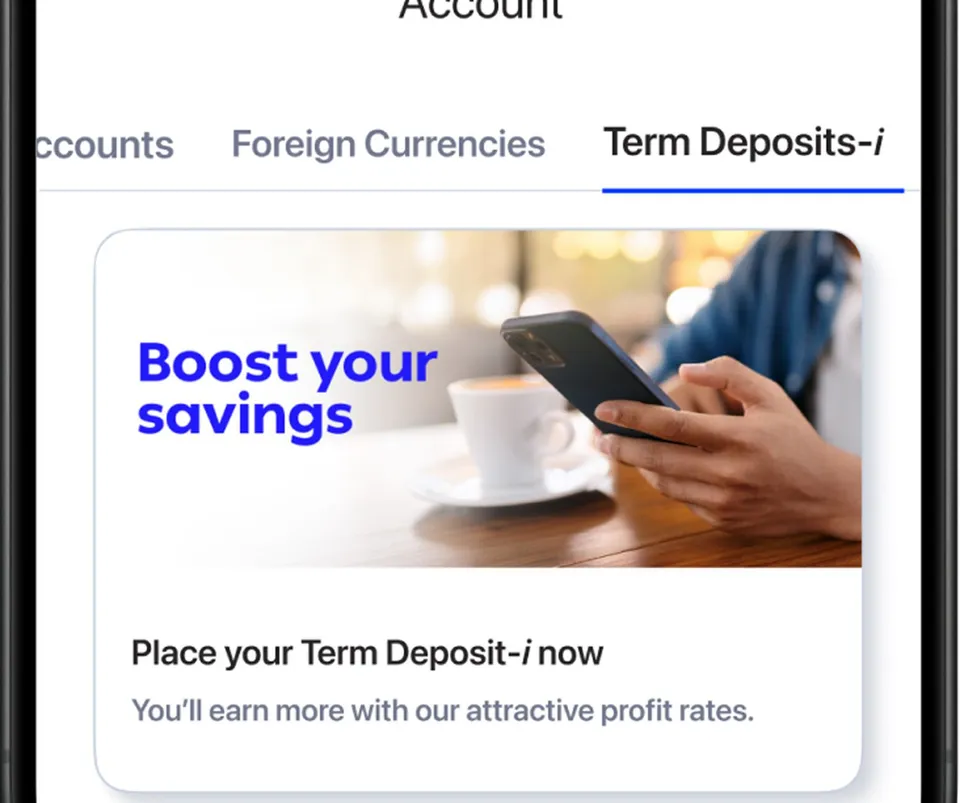
Term Deposit-i, right on the app
Place term deposits anytime with just a few taps. Choose your amount, pick a tenure, and lock in your returns.
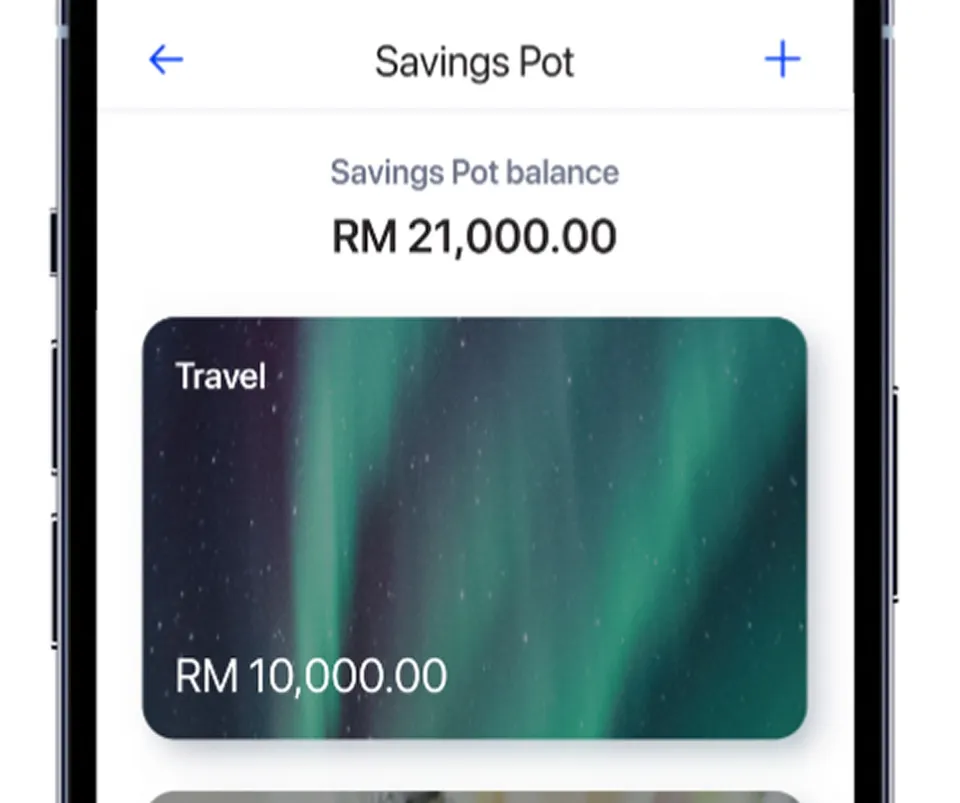
A smarter way to save
Saving for a specific milestone? Set up dedicated savings pots directly in the MY alrajhi app. Earn one of the highest profit rates in Malaysia with zero paperwork, no restrictive minimum balances, and no hidden conditions.
Get started with the app
- Download the MY alrajhi app from the App Store or Google Play.
- Follow the on-screen instructions to verify your identity using e-KYC.
- Fill in your personal details and set up your secure login credentials.
- Start banking instantly—no branch visit required.
Frequently-asked questions (FAQ)
MY alrajhi is your newly updated mobile banking app, designed to simplify your financial life. We’ve brought together alrajhi@24seven and Rize by alrajhi bank Malaysia into one convenient platform, giving you a seamless, user-friendly, and secure experience so you can manage your money with ease.
You can download it from the Apple App Store or Google Play.
For Rize by alrajhi bank Malaysia users: Your current Rize username and password are all you need to get started. It is the same for Rize users who are also alrajhi@24seven users. You can start using MY alrajhi immediately.
For alrajhi@24seven users: We’ve made it simple to transition! Complete a streamlined sign-up process, and you’ll be guided to set up your new MY alrajhi login details (which will require an identity validation) and you’ll enjoy MY alrajhi. A 12-hour cooling off period will apply for first-time logins.
If you’re new to alrajhi bank Malaysia, just follow our simple sign-up process, activate your DuitPlus Savings Account-𝘪 account and enjoy the new mobile app experience. Remember, a 12-hour cooling off period will be applied for first-time logins.
Absolutely. MY alrajhi is built with robust security features to protect your banking:
Secure device pairing: Your first-time login and device registration require a One-Time Password (OTP) for authentication. For your protection, only one device can be linked to your account at a time.
Protected access: All banking services within the app are securely protected by your login credentials.
Exclusive Session Control: Only one active login session is permitted at a time. If your MY alrajhi account is accessed from a different device, your current session will automatically end, preventing unauthorized concurrent use.
No Sensitive Data Stored: We do not store any confidential account information directly on your mobile device, further safeguarding your financial details.
iOS 16 and above
Android 11 and above
To use the app, your device must not be a rooted or jailbroken device, and you need a stable internet connection.
As part of a recent security enhancement, customers who normally log in using biometrics or PIN will be required to complete a one-time login using their app password to verify their identity. Once completed, you may continue using your preferred login method as usual.
Is this request genuine?
Yes. The password verification is part of a planned security enhancement within the MY alrajhi app. You should only enter your password within the MY alrajhi app and never share your password or OTP with anyone, including anyone claiming to represent the Bank.
No. Your preferred login method has not changed. You only need to log in once with your app password before continuing to use Face ID, fingerprint, or PIN.
This applies to active MY alrajhi app users who normally log in using Face ID, fingerprint, or PIN. Customers who already use their password as their preferred login method will not experience any changes.
Get the MY alrajhi app

Scan this QR code
Use your phone's camera to scan the code and download the app
Or
Download the app
Find the MY alrajhi app in the App Store and Google Play.


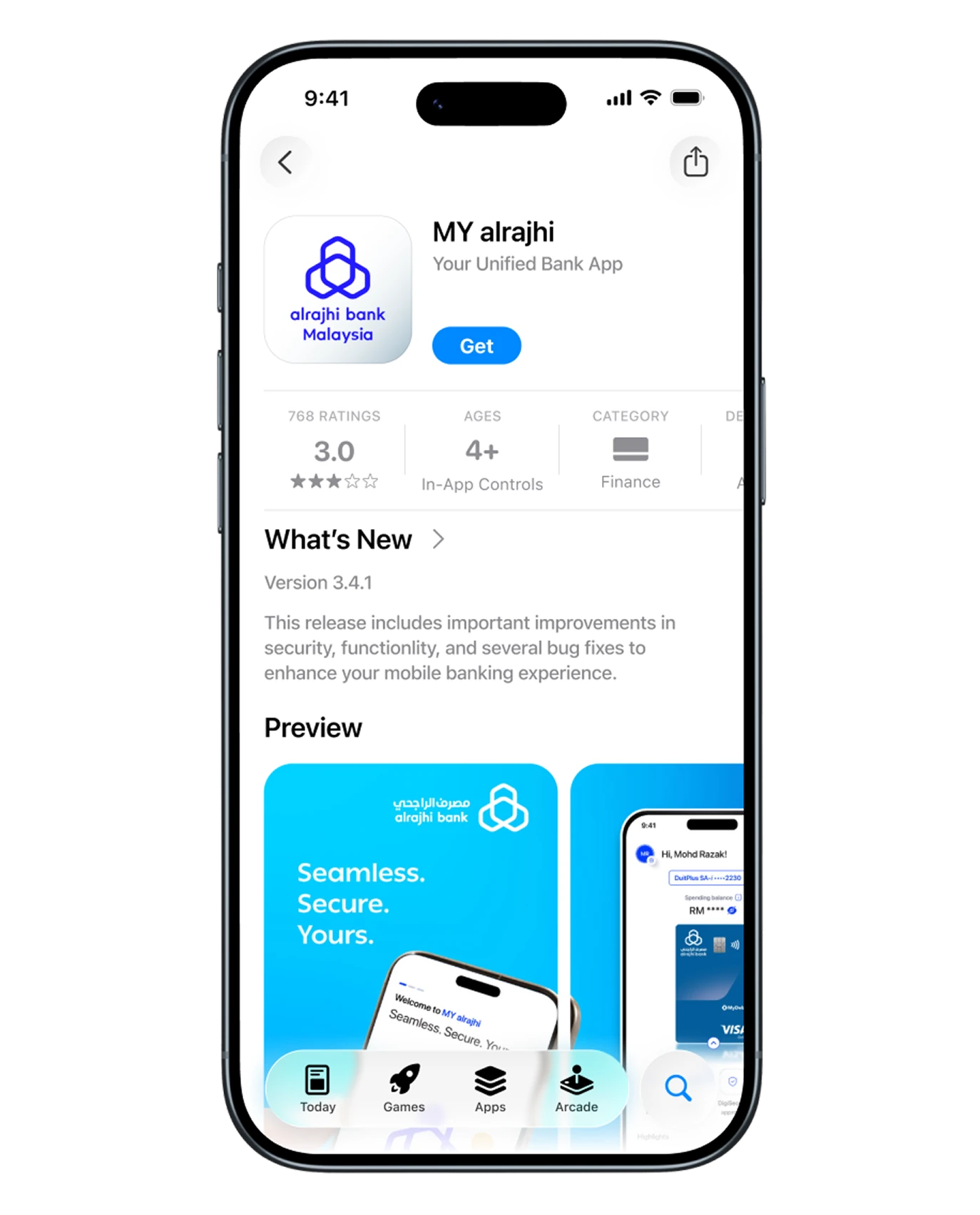
For your security, please make sure you always install the latest version of the app from the App Store
or Google Play. The app supports the following devices and operating systems:
- iPhones with iOS 16 or above
- Androids with Android 11 or above
Start your digital banking with MY alrajhi
Submit your details below and our specialists will be in touch soon.
Start your digital banking with MY alrajhi
Submit your details below and our specialists will be in touch soon.